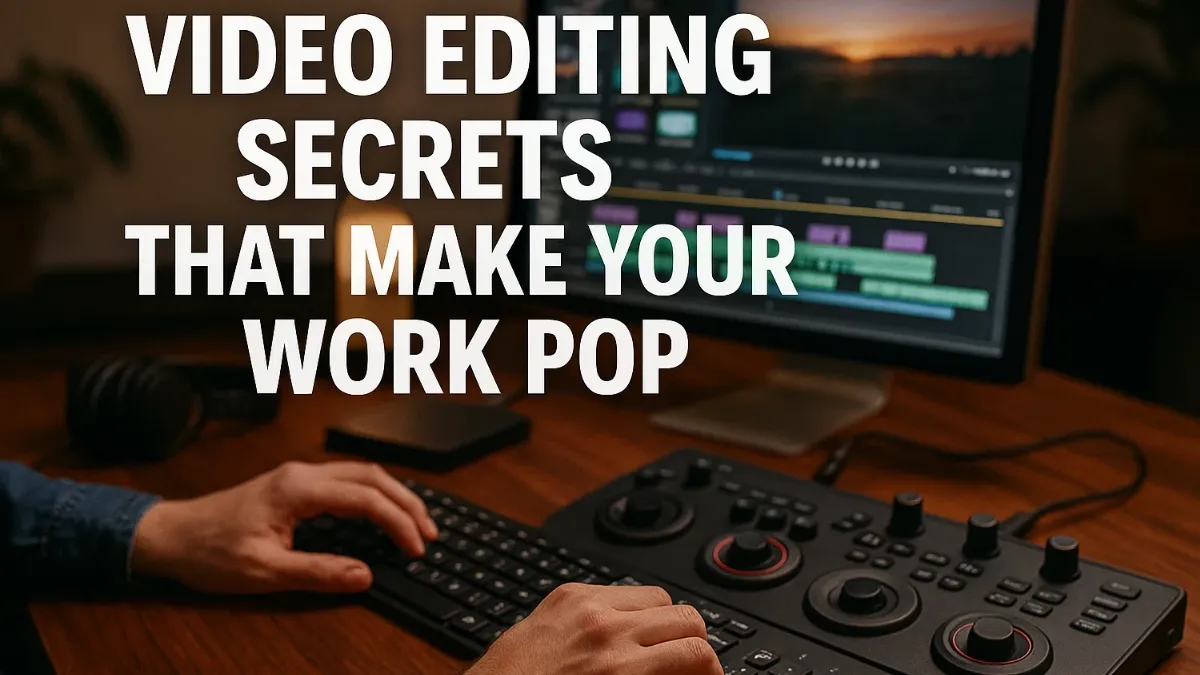
Video Editing allows you to create professional-quality videos directly from home. With the rise of remote work and online content creation, editing videos from your home setup has become a highly profitable skill. By mastering the right tools, techniques, and strategies, you can produce content that captivates audiences, attracts clients, and generates income without leaving your home.
Why Video Editing Works From Home
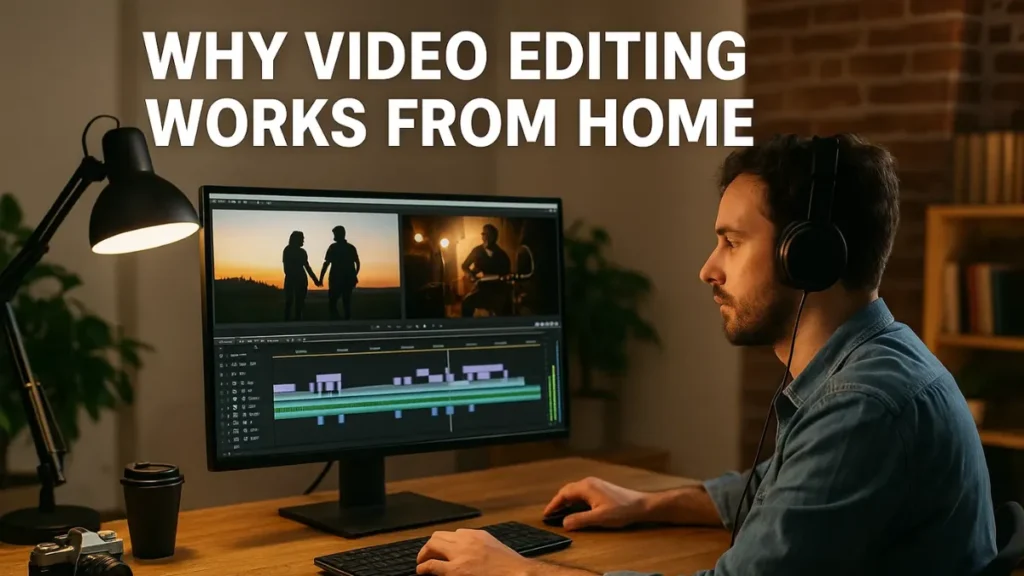
Working from home offers flexibility, reduces overhead costs, and allows you to reach a global audience. You can create content for YouTube, social media, online courses, or clients without commuting. Moreover, remote video editing allows you to set your schedule, work at your own pace, and scale your business as your skills improve.
Choosing the Right Video Editing Software for Home Use
Selecting software that fits your skill level and hardware is crucial. Beginners may prefer iMovie, Filmora, or DaVinci Resolve, while professionals use Adobe Premiere Pro or Final Cut Pro. Consider features, ease of use, and affordability. Trying free trials helps identify the best software for home setups and personal workflow.
Organizing Your Home Workspace and Footage
A clean and efficient workspace improves productivity. Label files, maintain folders for each project, and back up data. Organized footage allows faster editing, reduces stress, and ensures deadlines are met. Moreover, maintaining a comfortable workspace enhances focus and creativity.
Cutting and Trimming Videos Effectively
Cutting unnecessary footage keeps videos concise and engaging. Trim clips to improve pacing and maintain viewer attention. Transition techniques like jump cuts or smooth fades guide the audience through your story while maintaining professional flow.
Adding Effects and Transitions
Visual effects and transitions enhance home-edited videos when used purposefully. Fade-ins, crossfades, and motion graphics add polish without distraction. Experimenting with subtle effects improves overall video appeal and professionalism.
Enhancing Audio From Home
High-quality audio elevates video impact. Remove background noise, balance volume, and add music or sound effects. Syncing audio perfectly with visuals ensures a seamless viewing experience. Moreover, clear audio increases engagement and audience retention.
Color Correction and Grading
Color correction balances brightness, contrast, and white balance, while grading creates mood and style. Consistent color throughout your videos enhances professionalism. Transitioning between clips smoothly with color adjustments maintains visual harmony.
Using Text and Graphics
Adding text and graphics communicates key information clearly. Titles, captions, and animated lower thirds improve comprehension. Use subtle animation to highlight points and maintain focus. Furthermore, branded graphics reinforce identity and professionalism.
Optimizing Videos for Online Platforms
Different platforms require different formats. Adjust aspect ratios, resolutions, and frame rates for YouTube, Instagram, or TikTok. Optimizing videos ensures your content looks professional everywhere. Tailoring videos for platforms increases engagement and reach.
Storytelling in Home Video Editing
Editing transforms raw footage into compelling narratives. Sequence clips logically, build suspense, and highlight important moments. Proper pacing, rhythm, and timing maintain audience interest. Every edit should enhance the story and connect emotionally with viewers.
Speeding Up Your Workflow at Home
Efficiency is key when editing from home. Use software shortcuts, templates, and presets. Batch processing and timeline organization reduce editing time. Planning edits before starting ensures smooth execution and fewer revisions.
Using Motion Graphics and Animations
Motion graphics and animations make home videos more engaging. Use them to emphasize details or illustrate ideas. Subtle integration enhances viewer understanding and keeps the focus on content.
Collaborating Remotely on Video Projects
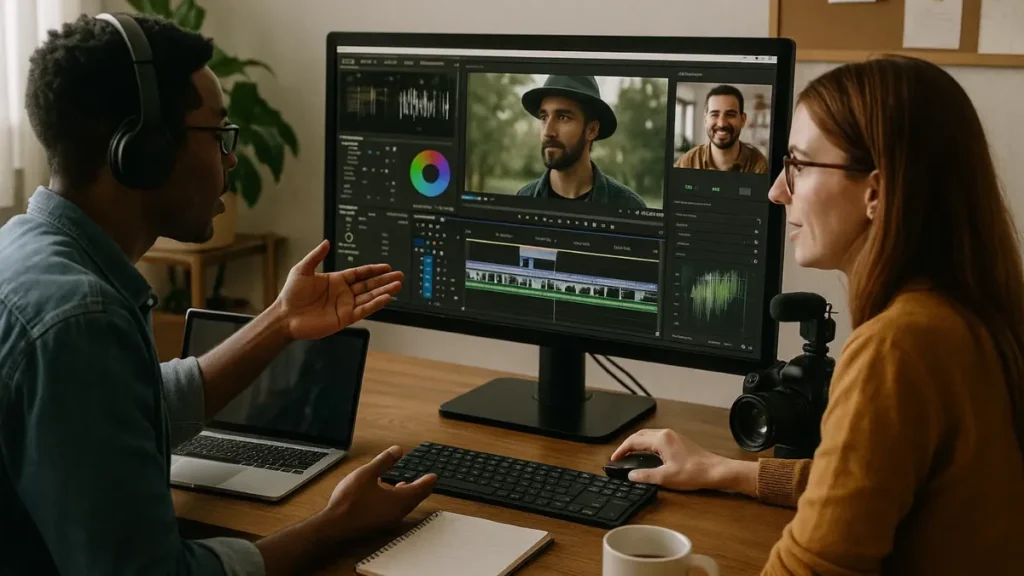
Collaboration is possible even from home. Share files, provide feedback, and communicate effectively using cloud tools. Active collaboration ensures consistency, meets deadlines, and improves video quality.
Mastering Special Effects at Home
Special effects enhance storytelling. Slow motion, green screen, and motion tracking create visual interest. Use effects thoughtfully to complement the story rather than distract viewers.
Adding Subtitles and Captions
Subtitles increase accessibility and retention. Many viewers watch without sound, so captions ensure understanding. Additionally, captions improve SEO and engagement across platforms.
Exporting and Rendering Efficiently
Proper export settings maintain quality and compatibility. Choose formats suitable for online platforms and adjust resolution, frame rate, and bitrate. Preview the final output to ensure everything meets expectations. Efficient rendering saves time and preserves quality.
Learning From Feedback and Analytics
Analyzing viewer behavior improves future edits. Track metrics like watch time, retention, and engagement. Transitioning insights into changes helps create videos that resonate better with audiences and clients.
Staying Updated With Trends
Video editing trends evolve constantly. Learn new techniques, styles, and effects actively. Staying current ensures your home videos remain modern and appealing. Moreover, experimenting builds a unique style that attracts viewers.
Building a Home-Based Video Portfolio
Showcasing your best work attracts clients and opportunities. Include diverse projects and organize them clearly. Smooth transitions between clips demonstrate creativity and technical ability. A strong portfolio builds credibility and trust.
Avoiding Common Mistakes in Home Video Editing
Avoid overusing effects, ignoring audio quality, or poor pacing. Review projects actively, plan edits carefully, and maintain focus. Transitioning scenes thoughtfully enhances flow and professionalism. Learning from mistakes improves skills over time.
Also Read : Work From Home E book Writing Tips and Tricks
Conclusion
Video Editing from home allows you to create professional, engaging content while enjoying flexibility and independence. By mastering software, organization, audio, visuals, and storytelling techniques, you can produce videos that attract viewers and generate income. Stay updated with trends, practice consistently, and refine your workflow. Applying these secrets ensures your work-from-home videos look polished, engaging, and stand out in a crowded digital space.
Frequently Asked Questions
1. What is work-from-home video editing?
Editing videos remotely using software to create professional content from home.
2. Can beginners do video editing from home?
Yes, beginners can start with simple software and practice consistently.
3. Which software is best for home video editing?
Software like iMovie, Filmora, Adobe Premiere Pro, or DaVinci Resolve works well.
4. How do I improve my home video editing skills?
Practice regularly, watch tutorials, and experiment with effects and transitions.

I am a professional content publisher focused on work from home opportunities, remote jobs, online income ideas, productivity tips, and digital work trends. I create practical, reliable, and up-to-date content for modern remote workers.